TOEM 2 guide · reviewed 2026-09-30
Launch build and platform notes
Play the current launch build rather than relying on demo-era behavior. Launch fixes addressed Steam Deck and Linux support plus several Deltburg interactions.
5 min read · Updated 2026-09-30
01 / Prerequisites
Prepare before you start
- ✓Update to the current platform build.
- ✓Check the local achievement state after a patch.
- ✓Keep separate save backups when experimenting across platforms.
02 / Route
Follow the sequence
- 01
Update before troubleshooting
The launch-day feed includes fixes for Steam Deck and Linux plus Deltburg-specific issues, so demo-era behavior may no longer apply.
- 02
Check platform support
Steam lists Windows, macOS, and Linux support, full controller support, gamepad recommendation, and a keyboard-only option.
- 03
Review accessibility features
Steam lists camera comfort, custom volume controls, playable without timed input, subtitle options, Stereo Sound, Save Anytime, and Steam Cloud.
- 04
Confirm language coverage
The full Steam release lists English, French, German, Spanish (Spain), Japanese, Korean, Brazilian Portuguese, Russian, Simplified Chinese, Swedish, Traditional Chinese, and Ukrainian.
- 05
Separate platform saves intentionally
Do not assume cross-platform save transfer from the PC feature list alone. Verify each console platform’s own compatibility before switching devices.
03 / Common mistakes
Do not make completion harder
The demo’s earlier language list and behavior are not proof of the current full-game build.
A hotfix mention records a fixed issue; it does not replace testing on the player’s exact platform.
Steam Deck Verified is a compatibility status, not a guarantee of identical settings on every display.
04 / Achievements
Goals connected to this guide
05 / Related systems
Continue with the exact mechanics
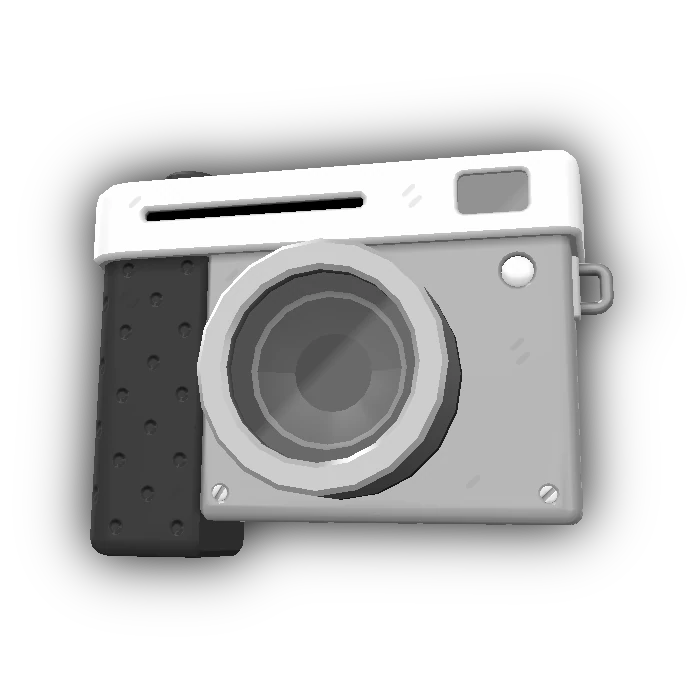
The camera is both the main interaction tool and the camera-mode interface. TOEM 2 adds attachments that solve region-specific problems beyond ordinary snapshots.
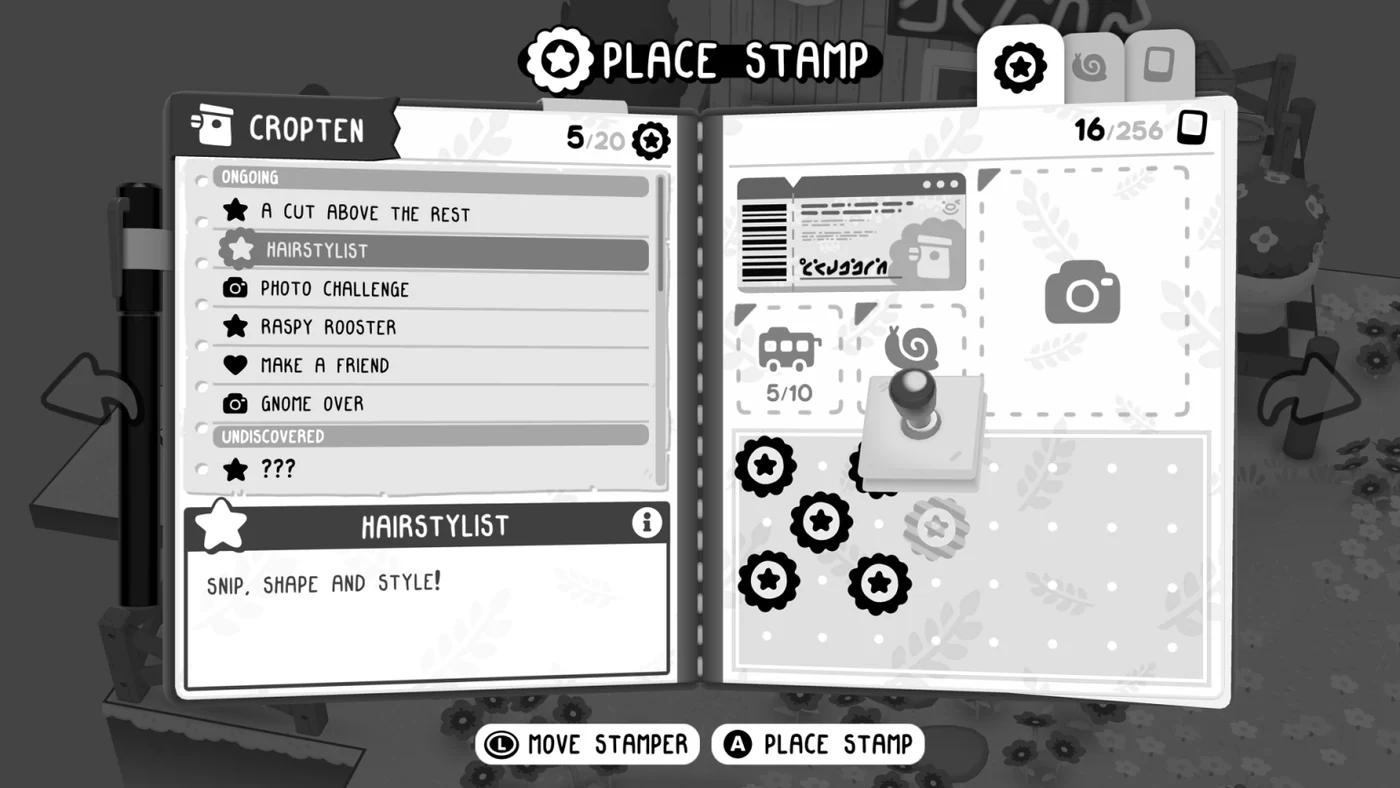
Journal stamps are the progression currency in TOEM 2. Quests, discoveries, and compendium work fill the journal, and enough stamps unlock the next region.
06 / Sources